One room
Improve a focused group of lights
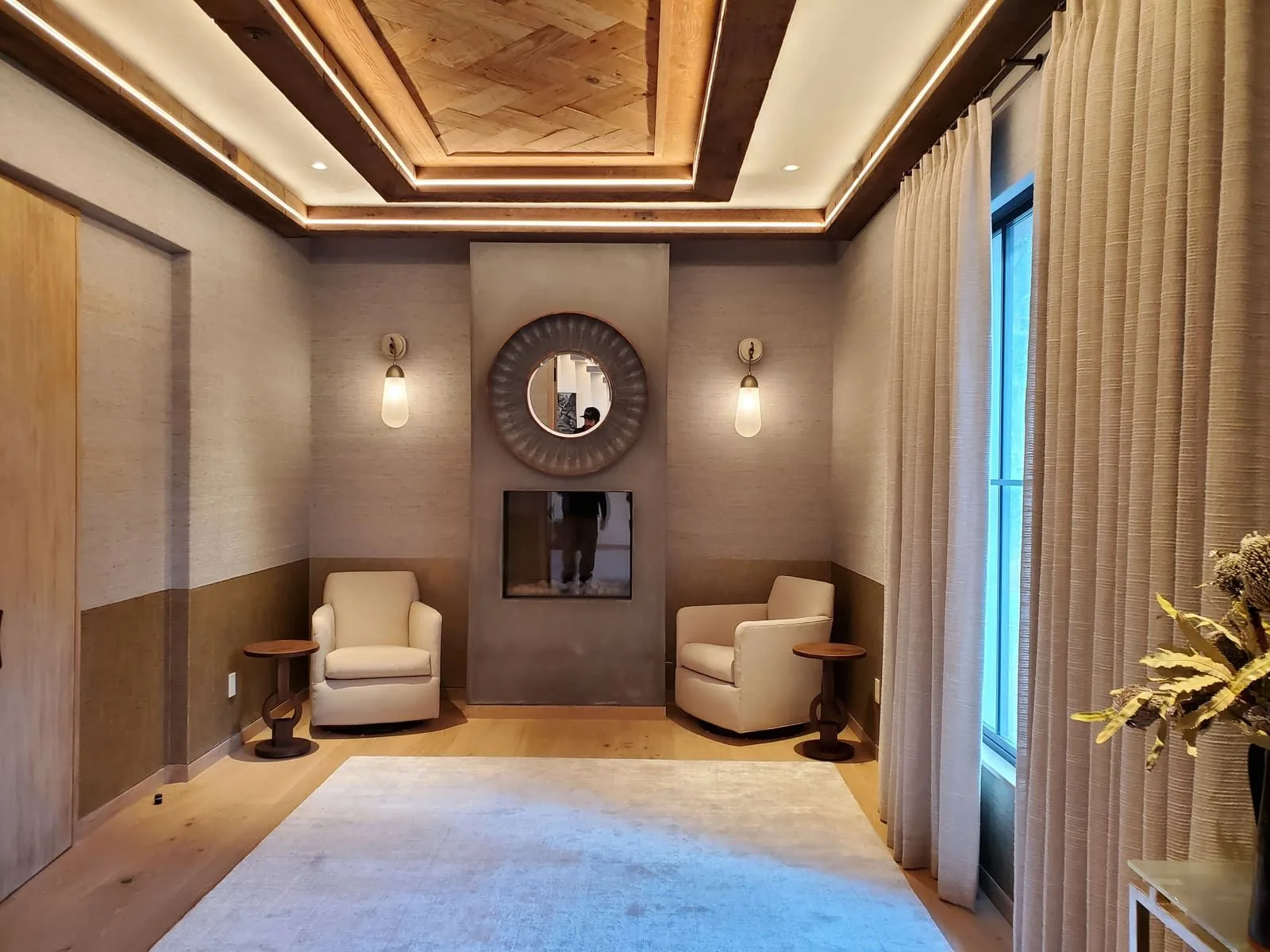
A room can be assessed around its fixtures, dimming behavior, control locations, and desired use.
- List each controlled load
- Identify existing wallbox conditions
- Discuss scenes in plain language
Lutron Lighting, Switches & Designer Outlets
Smart lighting begins with rooms, loads, control locations, and the selected Lutron system. The right plan is based on current product compatibility, not a claim that every device or home has the same capabilities.
One room
A room can be assessed around its fixtures, dimming behavior, control locations, and desired use.
Connected rooms
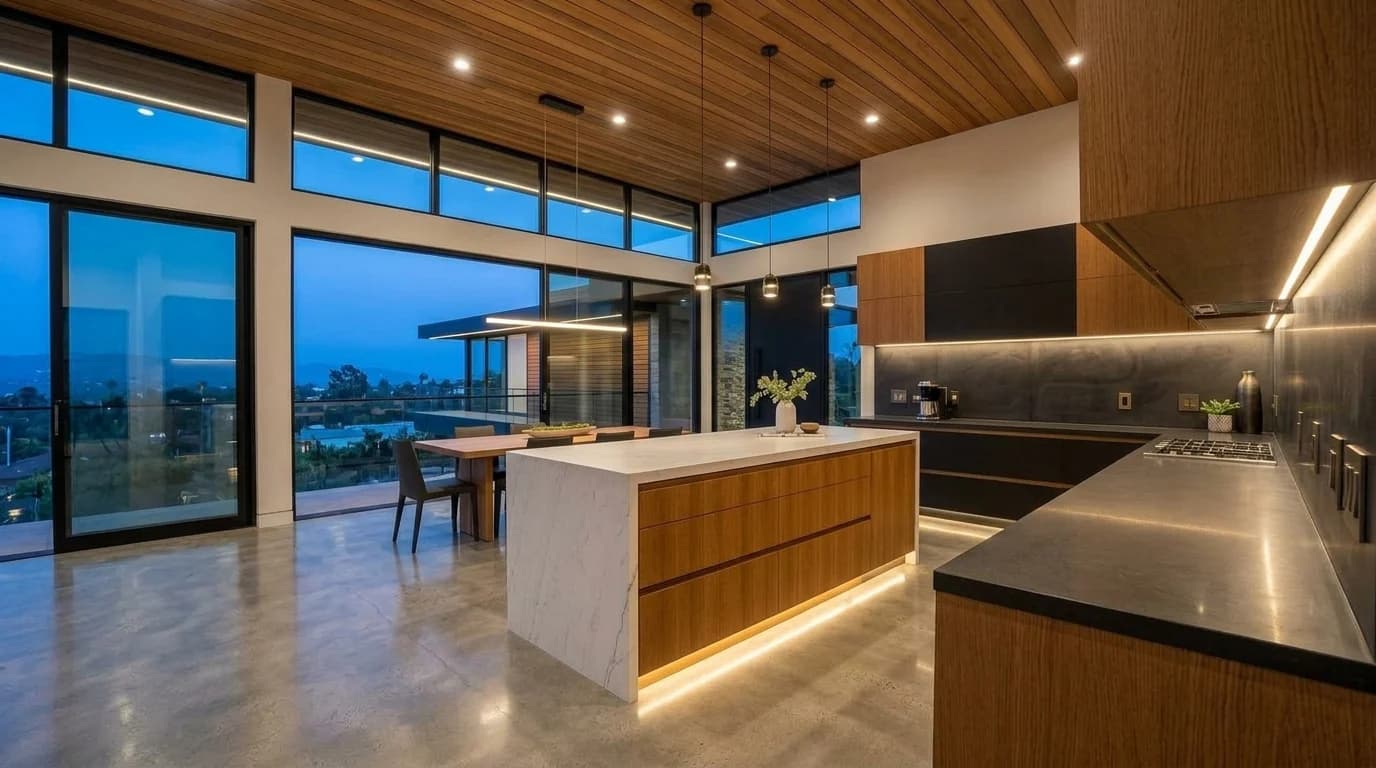
A kitchen, dining, and living area may benefit from a considered scene and keypad plan.
Whole-home planning
A larger project needs a room-by-room inventory and current manufacturer compatibility check.
Keypads, dimmers, outlets, wall plates, and control locations are part of the room people see and use every day. Confirm the selected product family, finish, engraving, and compatible wallbox conditions before ordering.
A finished device choice does not replace the need to assess the controlled load, box, wiring, and selected Lutron system. Those details establish what can be installed and programmed at the home.
Lighting controls, cameras, and connected devices may depend on a reliable network. We can coordinate the agreed pathways, power, and locations for connected equipment alongside the electrical work.
Router selection, Wi-Fi coverage, account administration, cybersecurity, and ongoing network support are separate technology decisions unless the written scope says otherwise.
Start with what should happen in each room: which fixtures belong together, which controls are awkward today, and which daily moments would benefit from a scene. That makes the system conversation specific enough to design.
A lighting control installation is not automatically a lighting-design project. If fixtures, layout, or new layers of light are changing, coordinate that scope with the lighting plan.
Lutron systems have product-specific compatibility, device limits, and range rules. RadioRA 3, for example, supports stated Clear Connect Type X and compatible Type A devices under documented system limits.
The selected fixtures, drivers, controls, and system documentation establish the operating limits. Review those combinations before ordering, especially where existing lights already flicker or have a narrow dimming range.
Existing boxes, multi-location controls, fixture drivers, neutral availability, and the loads to be controlled influence which solutions are appropriate. A site review identifies what can be retained and what needs further planning.
Where a fixture dims poorly today, the fixture and driver matter as much as the wall control. The selected dimmer’s current compatibility guidance should be checked before representing a result.
A keypad should name actions people can remember and use. Discuss the room, the intended scene, and who uses it before labels or programming are finalized.
At the handoff, walk through the agreed scenes, wall controls, schedules, and account access. Record which devices and integrations were included so later changes can be planned against the installed system.
Send room photos, a list of fixtures or control locations, any existing Lutron equipment, and the changes you want to make. For a remodel, include plans and the schedule for rough electrical work.
This creates a scope based on the home and selected equipment rather than a prewritten package or a universal price.
Explore color and contrast
Compare a light device with pale paint, tile, and trim. Whites can look different beside one another, so review the actual samples together.
Illustrative colors and device shape. Confirm the actual finish sample, device model, matching plate, and manufacturer availability before ordering.
From our field photos
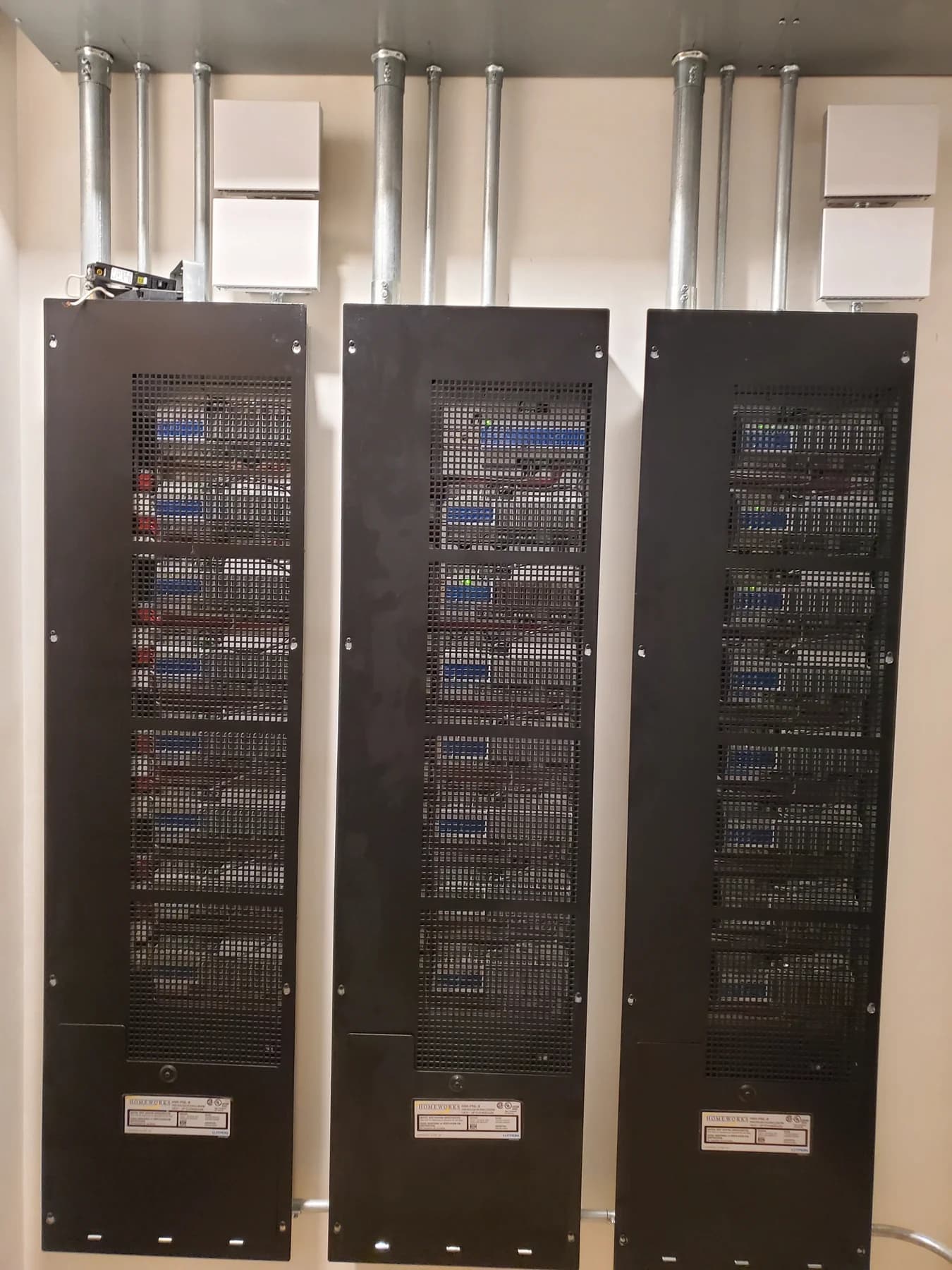
This field photograph shows labeled Lutron HomeWorks control cabinets and their associated wiring. It documents equipment visible at one project; system design, device compatibility, programming, and the final room controls are determined for each home.
The strongest smart-lighting plan starts with actual rooms and loads, then confirms which selected controls can serve them.
List lights, locations, and intended scenes.
Review selected Lutron equipment and site conditions.
Complete the electrical and programming scope defined for the project.
Some equipment may be compatible and some may not. The exact model and current Lutron compatibility guidance determine the answer.
No. Fixture, lamp or driver, wiring, and selected control compatibility all need to be assessed.
Not necessarily. A single room or connected area can be planned around its actual needs.
Discuss labels and programming for the selected system as part of the agreed scope.
Share your city, the work you need, and any equipment or plans you already have.
408-614-4451