Views
Plan what each camera needs to see
Entrances, drives, side yards, and gates call for different positions.
- Walk the desired views
- Account for mounting surfaces
- Avoid blind assumptions
Security Camera and Video Doorbell Installation
Useful camera coverage starts with the view, the selected platform, and an honest route for power or data—not a promise that one device will see everything.
Views
Entrances, drives, side yards, and gates call for different positions.
Commercial Electrical
The device and selected platform determine whether power, PoE, Wi-Fi, or another connection is relevant.
Project timing
Siding, painting, landscaping, and remodeling can affect routes and mounting.
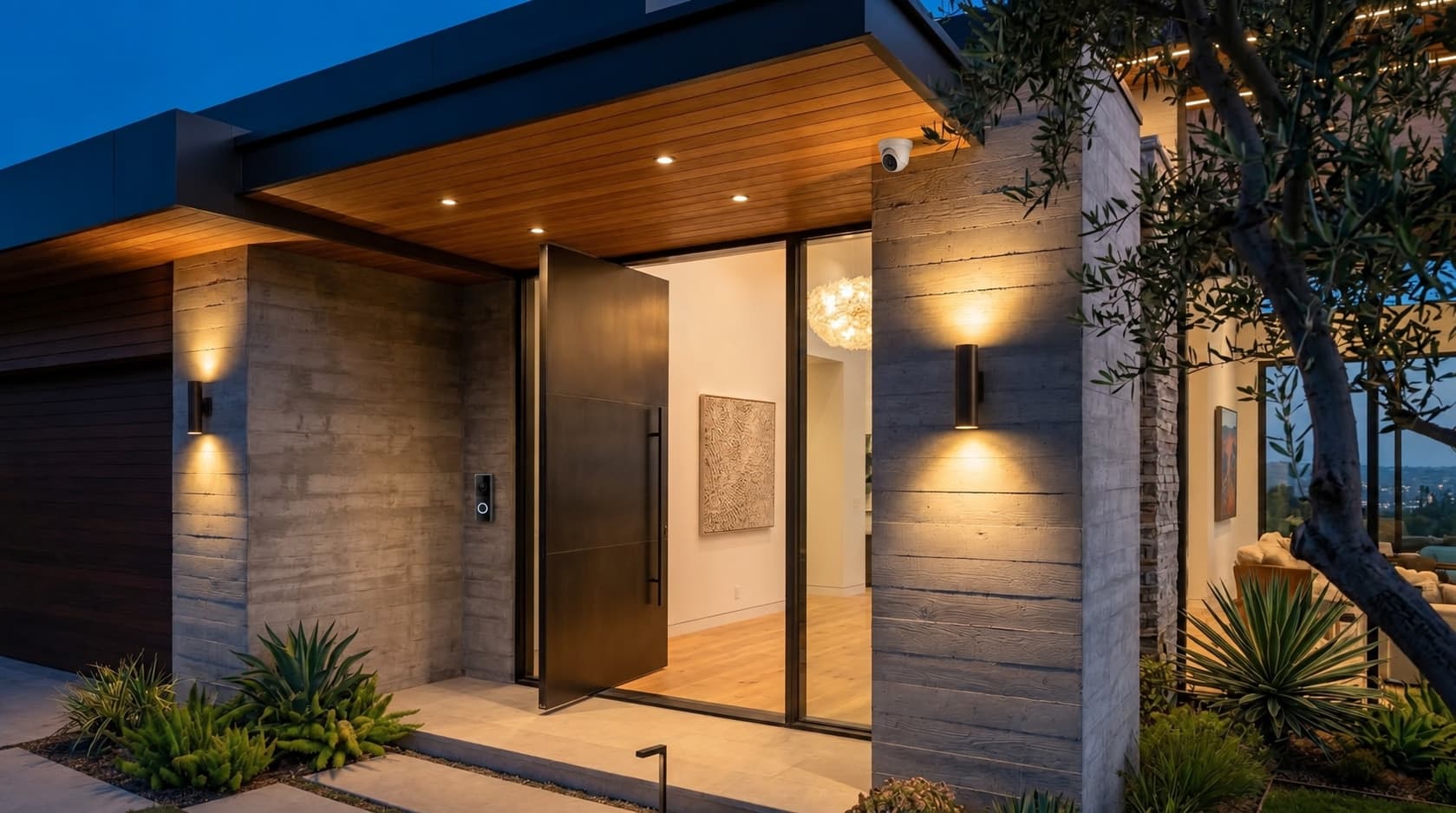
A video doorbell serves the visitor-at-the-entry view, while cameras can cover approaches, driveways, gates, or side yards. Planning them together avoids duplicated coverage and lets the physical routes be considered as one exterior project.
Bring the exact doorbell model when available. Transformer range, chime compatibility, mounting surface, and any manufacturer-required accessory depend on the selected device. Account setup, subscriptions, recording retention, and notifications remain separate product decisions unless included in the written scope.
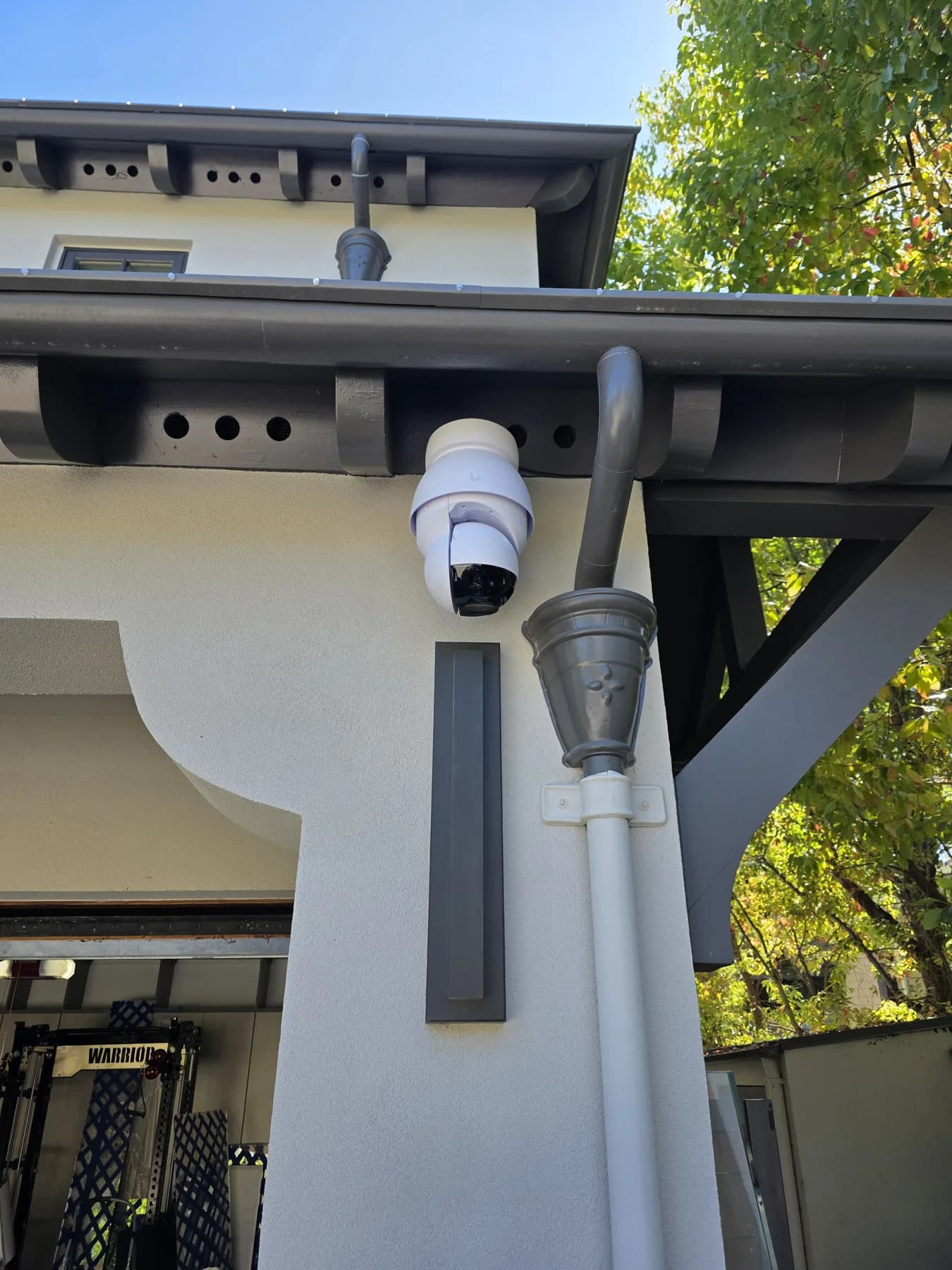
Walk the property and identify the decisions the cameras should support: an entry visitor, a driveway arrival, a gate, or an approach. Sightlines, mounting height, sun, trees, and exterior surfaces matter before a device list is useful.
Identification, view, recording, and notifications depend on device selection, placement, lighting, settings, and the connection. Review the intended view in both daylight and the expected nighttime conditions.
Some systems use a network cable with power over Ethernet; others need a nearby power source and a wireless connection. Bring the exact camera system or a product link so the physical installation plan matches it.
We can review the agreed electrical or low-voltage routing scope. Network design, recorder setup, cloud accounts, and monitoring are separate product or technology decisions unless specifically included.
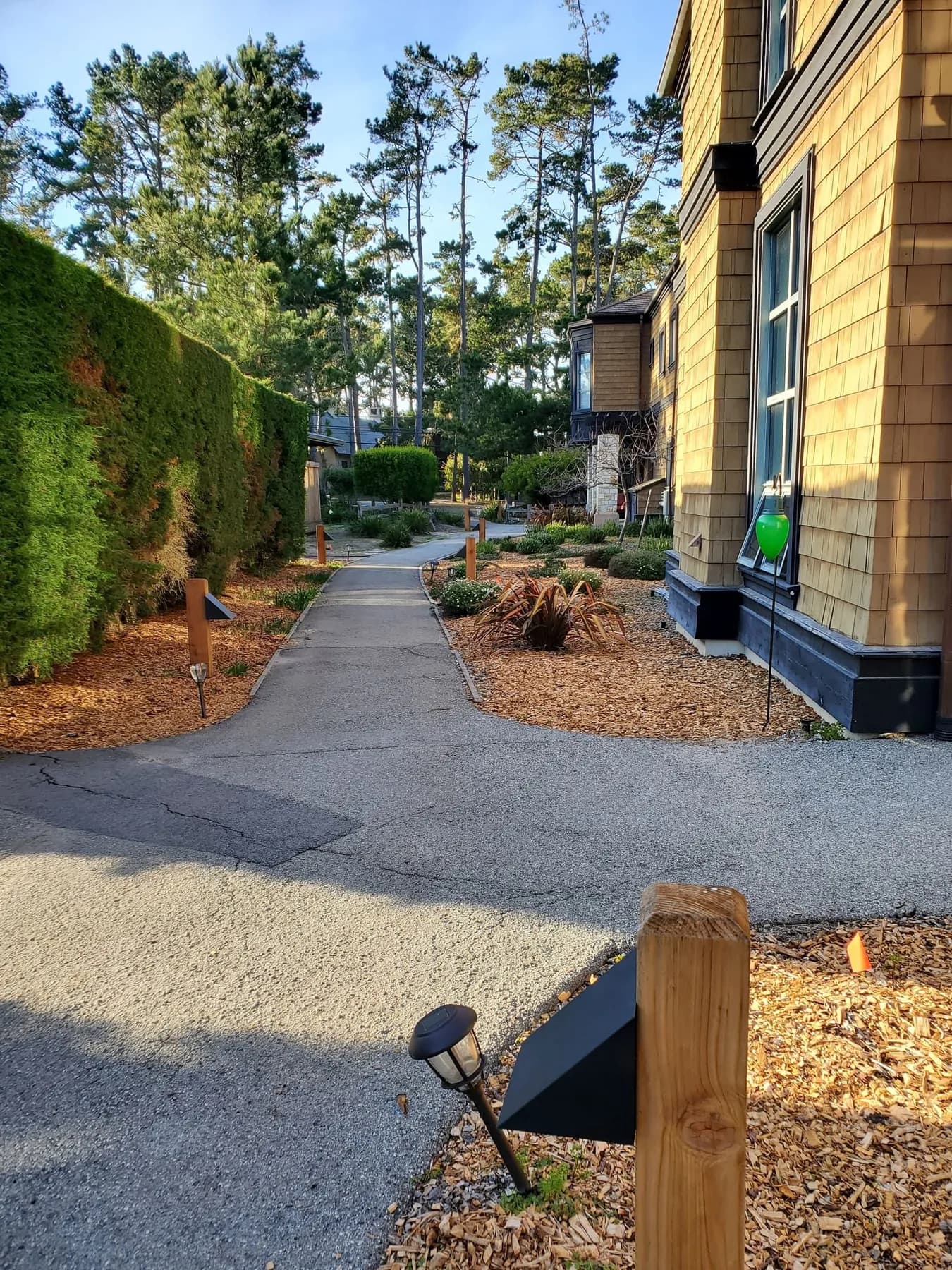
Masonry, stucco, eaves, siding, detached structures, and landscape paths change how an installation can be approached. A site review helps avoid treating an exterior drawing as a wiring plan.
Coordinate early when painting, roof work, gates, or renovation work are planned. Access before finishes are complete may provide a cleaner routing option.
A video doorbell can cover the visitor-at-the-door use case; perimeter or approach views may call for separate cameras. Planning them together avoids duplicated coverage and makes physical routes easier to discuss.
The finished scope should identify the locations and infrastructure agreed for the project, while leaving device policies and privacy choices to the homeowner.
Send a site sketch or exterior photos, the desired camera platform if known, and a short list of areas you want to view. Mention Wi-Fi or recorder concerns, but do not assume a route exists until the home is assessed.
This creates a useful conversation about placement and infrastructure without representing a camera system as a universal security solution.
A wired PoE system, a camera with local power, and a Wi-Fi camera place different demands on the home. Select the device platform, recorder or storage approach, and endpoint locations before treating a cable path as the complete system.
Account ownership, possible ongoing storage or service fees, active network hardware, and notification settings are product decisions. They should be assigned to the homeowner or technology provider in the project plan.
Walk the property with the homeowner to identify the approaches or areas intended to be observed and the surfaces that can support a camera. This supports a deliberate placement conversation rather than an unsupported claim of total property coverage.
The agreed scope identifies physical locations and infrastructure. Confirm who handles camera accounts, monitoring, recording retention, and privacy settings before installation.
A camera plan is more useful when it names the view, device, route, and building condition instead of promising a result before the property is assessed.
Provide exterior photos and the areas that matter.
Match the selected devices to practical power or data paths.
Coordinate mounting and routing with the property conditions.
It depends on the selected system. Some use PoE, some need local power, and some are wireless; the product and site determine the plan.
We can discuss practical sightlines, surfaces, routes, and the homeowner’s intended views as part of installation planning.
No universal coverage promise is appropriate. Placement, view, lighting, product settings, and obstructions all affect results.
Yes. They can be coordinated while each device’s role and infrastructure needs stay clear.
Share your city, the work you need, and any equipment or plans you already have.
408-614-4451